

Introduction
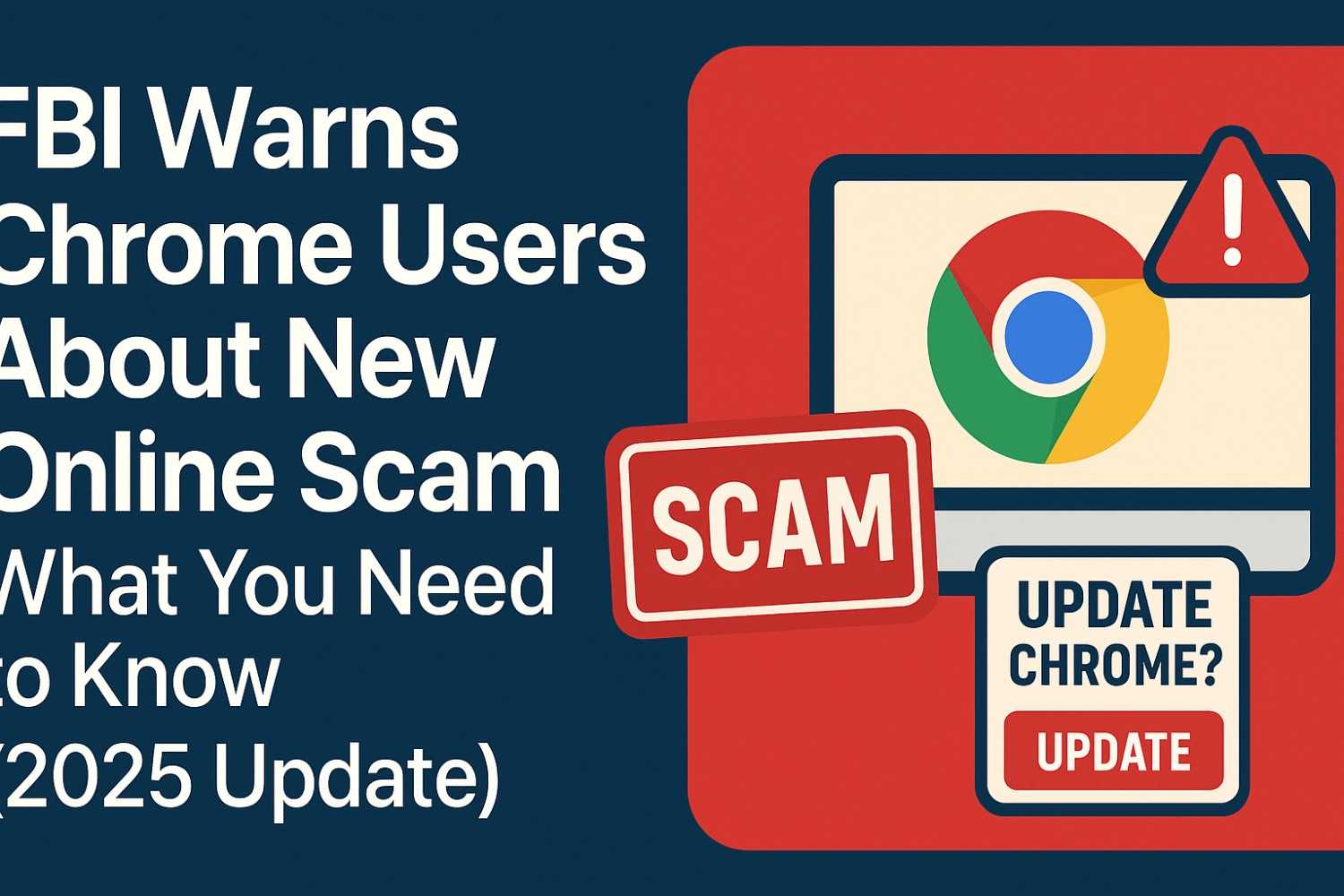
The Federal Bureau of Investigation (FBI) has issued an official warning for Google Chrome users in late 2025, highlighting a growing wave of online scams that target unsuspecting internet users through fake browser pop-ups and phishing extensions. This alert comes amid a rise in digital fraud and identity theft cases across the United States and Europe, where cybercriminals are using sophisticated tricks to steal sensitive information.
In this article, we’ll explain what the FBI warning means, how these scams work, and what steps you can take to keep your browser and data safe.
Why the FBI Issued a Warning
According to the FBI’s Internet Crime Complaint Center (IC3), recent investigations revealed that hackers are exploiting Chrome browser notifications and fake updates to trick users into installing malware. These scams usually appear in the form of:
-
Fake “Update Chrome” pop-ups that look identical to Google’s official notifications
-
Malicious Chrome extensions disguised as productivity tools or video downloaders
-
Scam websites prompting users to “verify” their account or “restore access” to Gmail
The FBI emphasized that these fake alerts are not from Google. Once users click the malicious link, hackers gain remote access to their device, allowing them to steal passwords, banking information, and even two-factor authentication codes.
How the Chrome Scam Works
Cybersecurity experts explain that the scam uses social engineering techniques to convince users that their browser needs an urgent update. Here’s how it typically unfolds:
-
You visit a compromised or unsafe website.
-
A pop-up window appears saying “Your Chrome browser is outdated – update now.”
-
Clicking the “Update” button downloads a malicious file or extension.
-
The malware silently runs in the background, logging your keystrokes or capturing saved passwords.
In some cases, victims have also reported screen-locking ransomware attacks, where scammers demand payment to unlock the browser.
FBI’s Official Recommendations for Chrome Users
To help users stay protected, the FBI and cybersecurity experts recommend following these steps:
1. Update Chrome Manually
Never trust random pop-ups. Go to Settings → About Chrome to update your browser directly from Google.
2. Avoid Installing Unknown Extensions
Only download extensions from the official Chrome Web Store, and check user reviews and permissions before installation.
3. Enable Safe Browsing
In Chrome settings, turn on Enhanced Safe Browsing to automatically detect dangerous websites and downloads.
4. Use Antivirus and Two-Factor Authentication (2FA)
Install a trusted antivirus and enable 2FA on important accounts to add an extra layer of security.
5. Stay Informed
Regularly visit the FBI’s official website (fbi.gov) and Google’s security blog to stay updated on the latest scam alerts.
How This Scam Affects the UK and Global Users
While the warning originated in the United States, cybersecurity agencies in the UK, Canada, and Australia have issued similar alerts. Since Chrome holds more than 60% of the global browser market share, such scams can affect millions of users worldwide.
For UK readers, the National Cyber Security Centre (NCSC) has also shared guidelines on identifying fake browser messages and avoiding phishing attempts.
What To Do If You Clicked a Fake Chrome Update
If you think you’ve fallen victim to one of these scams:
-
Disconnect from the internet immediately.
-
Run a full antivirus scan.
-
Change your Google account and banking passwords from a different, clean device.
-
Report the incident to your country’s cybercrime authority or the FBI Internet Crime Complaint Center (ic3.gov).
Final Thoughts
The latest FBI warning for Chrome users serves as an important reminder that even trusted platforms can be exploited by cybercriminals. Always verify browser updates, avoid suspicious links, and keep your software secure.
Online safety depends not just on technology but also on awareness. Stay informed, stay cautious, and help others by sharing this information.
Disclaimer
This article is for informational and educational purposes only. It summarizes details from official FBI and cybersecurity advisories available to the public at the time of writing. Space Coast Daily UK does not claim or represent any official statement from the FBI, Google, or any government agency. Readers are advised to verify all security-related updates directly from official sources such as fbi.gov or google.com before taking any action.
Related Article:
👉 What Is Janitor AI? Features, Use Cases & How To Use It Safely in 2025
👉 Visit Space Coast Daily UK for more tech and cybersecurity updates.















Leave a Reply